Captain Ratatype
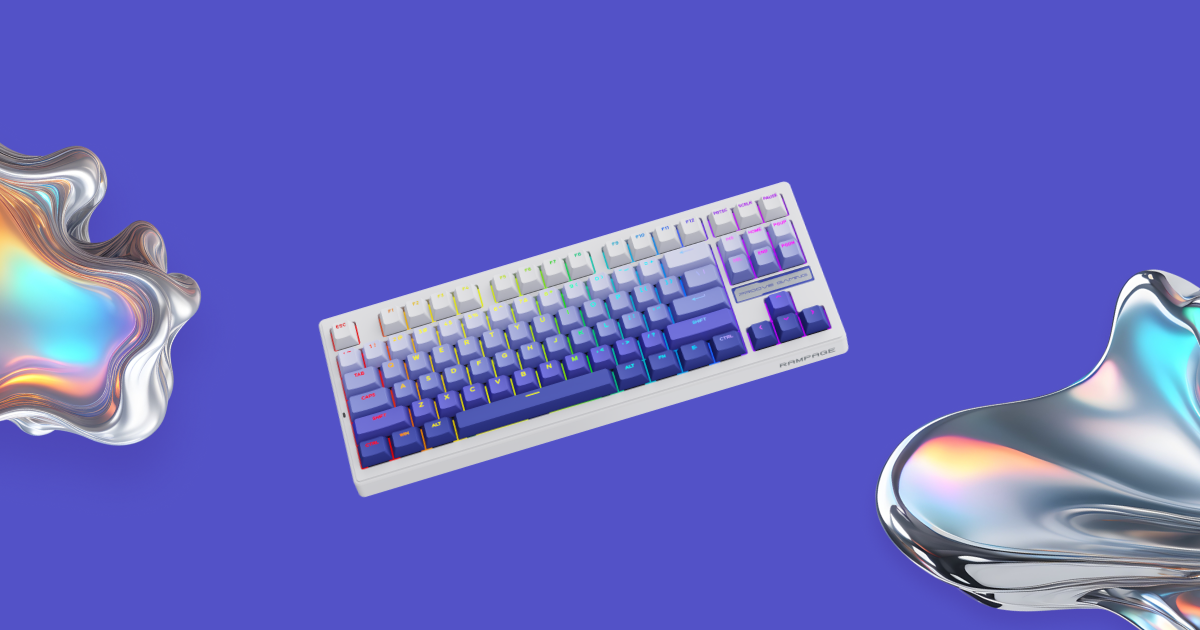
This guide covers the key things to consider before buying a gaming keyboard, followed by a closer look at five well-regarded models from different manufacturers.
Key things to consider
Magnetic or mechanical switches?
- Magnetic switches (Hall effect) register a keypress without any physical contact, which means quicker response and less wear over time. The actuation point is adjustable, and Rapid Trigger resets a key the instant you release it. Unsurprisingly, they're the go-to for esports pros and anyone who plays fast-paced shooters.
- Mechanical switches are the tried-and-tested option, offering a crisp, satisfying keystroke. Linear switches travel smoothly and quietly, making them equally suited to gaming and lengthy typing sessions.
It's also worth looking out for hot-swap support, which lets you change switches without any soldering. Fancy a different feel, or has a key given up? A pair of tweezers will sort it.
Layout: how many keys do you really need?
- TKL (roughly 87 keys) — a full-sized board minus the number pad. Every key you're used to is still there, but your mouse gets more breathing room.
- 75% (roughly 81–84 keys) — a compact layout that still keeps the function row. A happy medium for both gaming and work.
- 60–65% (roughly 61–68 keys) — smaller still, with no function row. It frees up the most desk space for sweeping mouse movements, which is ideal for shooters.
Wired or wireless?
- A wired keyboard never needs charging and delivers a rock-solid connection — something that matters in competitive play.
- A tri-mode wireless keyboard (2.4 GHz, Bluetooth and USB cable) is the most flexible choice: 2.4 GHz for gaming, Bluetooth for your laptop or tablet, and the cable as a backup when the battery's flat.
Construction and finer details
- Gasket mount — rather than being screwed directly to the case, the switch plate sits on soft cushioning pads. The result is a quieter, softer keystroke that's easier on your fingers.
- Doubleshot PBT keycaps — the legends won't fade, and the plastic won't develop that greasy shine.
- 1000 Hz polling rate — the keyboard reports to your PC a thousand times a second, so any lag is imperceptible. Certain esports models push this to 8000 Hz.
- N-Key Rollover — every keypress is registered, however many keys you hit at once.

Five gaming keyboards to consider
First up are magnetic boards built for esports, followed by wireless mechanical keyboards that handle both gaming and typing.
1. Wooting 60HE v2 — a compact magnetic board for esports
- Connection: wired, USB-C
- Layout: 60%
- Switches: Lekker magnetic (Hall effect), hot-swappable
- Keycaps: doubleshot PBT; case: ABS or aluminium
- Polling rate: 8000 Hz
- Actuation point: adjustable between 0.1 and 4 mm
- Colours: black, grey, white
Wooting is widely credited with bringing magnetic keyboards into the esports mainstream. The 60HE v2 uses a compact 60% layout, so you lose the function row and dedicated arrow keys but gain plenty of space for your mouse. You can set the actuation point anywhere from 0.1 to 4 mm, while Rapid Trigger resets each key as soon as your finger starts to lift.
Everything from Rapid Trigger and SOCD to Dynamic Keystroke and Mod Tap is configured in Wootility, which runs straight from your browser. At 8000 Hz, its polling rate is also the highest of any board in this list.
Best for: players who prioritise reaction speed and a clutter-free desk.
2. SteelSeries Apex Pro TKL Gen 3 — magnetic switches plus an OLED screen
- Connection: wired, detachable cable (also sold in a wireless version)
- Layout: TKL
- Switches: OmniPoint 3.0 magnetic (Hall effect)
- Keycaps: doubleshot PBT; top plate: aluminium
- Polling rate: 1000 Hz
- Actuation point: adjustable between 0.1 and 4 mm
- Extras: OLED screen
This tenkeyless board pairs magnetic switches with an aluminium top plate. Unlike the more compact options, it retains the function row and arrow keys, so it's just as practical for day-to-day work as it is for gaming. A small OLED screen displays your settings, system stats or a GIF of your choice.
Actuation, Rapid Trigger and profiles are all managed through SteelSeries GG. One thing to bear in mind: the switches aren't hot-swappable.
Best for: anyone who plays fast shooters but also spends a lot of time typing.
3. Keychron Q3 Max — a wireless TKL built for marathon typing
- Connection: 2.4 GHz + Bluetooth 5.1 + USB-C
- Layout: TKL (80%) with a rotary knob
- Switches: Gateron Jupiter mechanical (Red, Brown or Banana), hot-swappable
- Construction: gasket mount, CNC-machined aluminium case
- Keycaps: doubleshot PBT
- Polling rate: 1000 Hz (wired and 2.4 GHz)
- Battery: 4000 mAh — up to 100 hours with backlighting on, up to 180 hours with it off
- Compatibility: Windows, macOS, Linux
- Weight: approx. 1770 g
A weighty aluminium keyboard with a gasket-mounted plate, the Q3 Max delivers soft, muted keystrokes — and at 1.77 kg, it stays firmly planted on your desk. You can remap keys in the Keychron Launcher web app, and the rotary knob makes adjusting the volume a doddle.
With three connection modes, switching between your PC, laptop and tablet takes seconds.
Best for: heavy typists who want a single keyboard for work and play.
4. ASUS ROG Azoth — a compact 75% with a built-in OLED display
- Connection: 2.4 GHz + Bluetooth + USB
- Layout: 75%, 81 keys
- Switches: ROG NX mechanical (Red, Brown or Blue), hot-swappable
- Construction: gasket mount, three layers of sound-dampening foam, aluminium-alloy top case
- Keycaps: doubleshot PBT
- Polling rate: 1000 Hz
- Battery: up to 2000 hours over 2.4 GHz with RGB and the display switched off
- Compatibility: Windows, macOS
- Weight: approx. 1186 g
Compact, yet it holds on to the function row. The standout feature is the 2-inch OLED display in the corner, paired with a three-way control knob: tweak the volume, cycle through lighting effects or check the battery without ever leaving your game.
The gasket mount and triple layer of foam keep keystrokes soft and quiet, and hot-swap support means you're free to experiment with different switches.
Best for: those after a compact wireless keyboard with a function row and handy on-board controls.
5. NuPhy Halo75 V2 — the showpiece of any setup
- Connection: 2.4 GHz + Bluetooth 5.0 + USB-C
- Layout: 75%, 83 keys
- Switches: NuPhy mechanical (Mint, Raspberry, Lemon) or Cherry Silent Red, hot-swappable
- Construction: gasket mount, aluminium top case, translucent bottom case
- Keycaps: doubleshot PBT, mSA profile
- Polling rate: 1000 Hz (wired and 2.4 GHz)
- Battery: 4000 mAh — up to 307 hours with the lighting off
- Compatibility: Windows, macOS, Linux, iOS, Android
- Weight: approx. 1020 g
This is a keyboard designed to steal the show. Its translucent base and signature 'halo' lighting make the whole board glow, while brightly coloured accent keys give it plenty of personality.
There's substance behind the style, too: the gasket mount and smooth switches produce a soft, pleasant typing feel, so it's as comfortable for writing as it is for gaming. The compact 75% layout keeps the function row, and you can remap keys via VIA.
Best for: anyone who wants an eye-catching setup and a comfortable keyboard for both typing and gaming.
Every model here comes with doubleshot PBT keycaps and a polling rate of 1000 Hz or more.
Which one is right for you?
- If you want top speed and maximum mouse space — go for the Wooting 60HE v2.
- If you want magnetic switches without giving up the function row and arrow keys — choose the SteelSeries Apex Pro TKL Gen 3.
- If you type a lot and value a solid, quiet board — pick the Keychron Q3 Max.
- If you need a compact wireless keyboard with a function row — try the ASUS ROG Azoth.
- If you want your keyboard to be the star of your desk — opt for the NuPhy Halo75 V2.
There's no single best keyboard — only the one that suits how you use it. Sometimes it's all about shaving off milliseconds; other times it's about staying comfortable after hours at the keys.
And to make the most of your new keyboard, learn to touch type with Ratatype!