Captain Ratatype

It is quite easy to learn how to touch type, but have you ever considered what stops you from doing it efficiently and quickly? What mistakes can slow your progress? Captain Ratatype set out to answer these questions. I spoke with teachers who teach touch typing using my typing tutor and gathered the most common mistakes learners make.

Mistake 1. Looking at the keyboard
This is the most common and serious mistake. You cannot truly learn touch typing if you keep looking at the keyboard. Instead, focus on memorising the position of the keys (our first four lessons are designed exactly for this). It may feel slow at the beginning, but your speed will improve gradually. The following four lessons help reinforce this progress. Complete all eight lessons, earn the rewards, and within a few weeks you will forget you ever typed any other way.
Mistake 2. Incorrect finger position
Each finger is responsible for a specific group of keys. If you use them incorrectly, your typing speed will suffer. The touch typing method is designed so that all fingers work evenly and efficiently together.

Mistake 3. Caps Lock on
Many users do not realise that Caps Lock is switched on. When learning touch typing, it is better to use the Shift key instead. In everyday writing, capital letters are mainly used at the beginning of sentences or for names, and only rarely for entire words or sentences. That is why learning to use the Shift key correctly is essential.
Mistake 4. Poor posture
Sitting with poor posture can cause serious discomfort over time. This is particularly important because you spend many hours at the computer, and your body should not be under constant strain. Fatigue can eventually lead to health issues, so make sure to pay close attention to how you sit.

Mistake 5. Skipping practice sessions
Consistent practice is essential for progress in any skill. When you skip lessons, you lose part of the progress you have already made. Try to set aside 2–4 weeks for regular training, practising for around 30 minutes each day.

Mistake 6. Using a phone for training
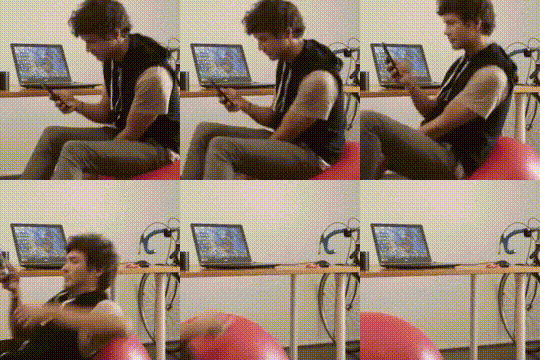
Learning touch typing on a phone is not recommended. On a phone, you mainly use your thumbs, which does not help build proper typing technique. Training with a real keyboard gives you a clear advantage: you memorise the layout and develop correct muscle memory. This makes it easier to type on both a computer and a phone later. If you train only on a phone, you will need to relearn typing once you switch to a keyboard.

Mistake 7. Uneven typing rhythm
An inconsistent rhythm disrupts the learning process. Try to type each exercise at a steady pace and monitor your average typing speed. This helps muscle memory develop more quickly. You can test this yourself — take a typing speed test now and receive a certificate.

Mistake 8. Rushing
When you rush, mistakes follow. In a hurry, you often fall back into old habits, such as typing with two fingers, and forget proper technique altogether. The aim is to master ten-finger typing, which requires patience. Take your time to practise and apply this approach when doing an online typing test.