Captain Ratatype
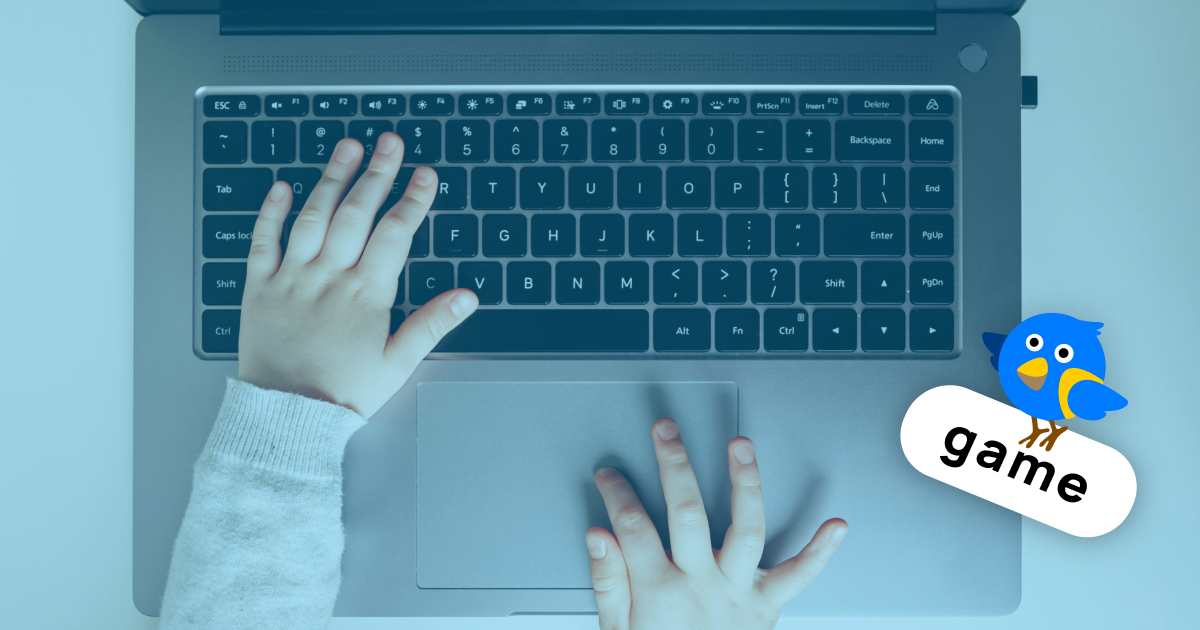
Be that as it may, this skill truly matters for everyone living today: typing is something we do daily, and the quicker and more assuredly it comes to us, the more time and energy we can devote to the work itself. So let's explore how to make learning to touch type genuinely engaging for children — and transform monotonous drills into a thrilling game.
Why standard typing drills might «fall flat» with children
Touch typing rests entirely on muscle memory. And muscle memory only develops through repetition: hundreds of near-identical finger motions, carried out until the fingers begin locating the right keys unaided. The trouble is that, for a youngster, this sort of repetition feels tedious and dull. There's no immediate payoff or thrill, and any progress is hard to spot. Is it even feasible to sustain motivation in such circumstances?
This is exactly the moment when gamification saves the day. Its chief virtue lies in splitting one huge, dreary task into bite-sized, manageable stages, whilst an assortment of formats and rewards keeps enthusiasm alive. The child is no longer «memorising where the keys sit» — instead they're saving a hero, leaving a rival behind on the racetrack, or smashing their personal best.
And all the while, the fingers quietly get on with the job.
What the research tells us: games genuinely deliver
This is no mere pleasant notion. Hungarian researchers Szabina Fodor and Márton Varga built an educational touch-typing game called Dungeon Typer and trialled it with pupils. The outcome — a marked improvement in typing ability and considerable appetite for learning in this fashion (Fodor & Varga, Springer, 2020).
Tellingly, one of the game's guiding principles is the maxim «slipping up is fine, having another go is even better». The game actually begins with a handful of «lives», on the assumption that errors are bound to crop up — they're part and parcel of the process rather than something to fret over.
The notion is hardly a recent one, mind you. The famed Mavis Beacon programme demonstrated decades ago that playful elements boost both typing speed and accuracy by means of structured drills and interactive challenges (Gamification of learning, Wikipedia).
What's more, a sweeping review of 90 academic studies confirmed that gamification has a favourable effect on pupil engagement throughout primary and secondary schooling (Frontiers in Education, 2024).
Which game mechanics actually accelerate learning
Not every game pulls its weight equally. Here are the components that genuinely pay off when learning to type:
- Points, badges, and levels. These hand the child tangible, visible progress. The pupil can see they're advancing and feels driven to press on.
- Several goes and «lives». These take the sting out of mistakes. The child won't shy away from trying, knowing full well that one botched attempt is no disaster (Fodor & Varga, 2020).
- Immediate feedback. The game flags up speed and errors there and then — precisely what conventional drills so often fail to provide.
How to weave games into a lesson (without causing mischief)
Games come into their own not as a substitute for structured teaching, but as a companion to it. Begin by rehearsing hand placement and a particular row of keys with the children in a trainer, then cement what they've learnt with a game. Games slot in nicely as a warm-up to open a lesson, or as a treat to round one off.
Just be careful not to go overboard. Researchers candidly point out that gamification doesn't suit everyone in the same way — its impact hinges on context, design, and even the child's temperament. Games, therefore, ought to supplement practice rather than supplant it.
And do praise pupils for having a go, not solely for the results.
Should you fancy putting this into practice, Ratatype offers everything you need: the keyboard games Ratashooter and Ratagons, a lively, colourful interface, and — for teachers — the option to set up classes and sync them with Google Classroom to keep tabs on each pupil's progress.
So the next time you catch a glazed look spreading across the classroom, give a different tack a try. Let the children play, and swift typing will follow of its own accord. Simple and good fun!
List of sources
- Fodor, S. and Varga, M. (2020) ‘Using gamification to improve students’ typing skills’, in Marfisi-Schottman, I., Bellotti, F., Hamon, L. and Klemke, R. (eds.) Games and Learning Alliance: GALA 2020. Cham: Springer, pp. 200–206. Available at: https://doi.org/10.1007/978-3-030-63464-3_19 (Accessed: 22 June 2026).
- Wikipedia (2026) Gamification of learning. Available at: https://en.wikipedia.org/wiki/Gamification_of_learning (Accessed: 22 June 2026).
- Ramírez Ruiz, J.J., Vargas Sanchez, A.D. and Boude Figueredo, O.R. (2024) ‘Impact of gamification on school engagement: a systematic review’, Frontiers in Education, 9. Available at: https://doi.org/10.3389/feduc.2024.1466926 (Accessed: 22 June 2026).